InkyPages

Turn every idea into a beautiful book.

A cozy digital notebook for Windows with subjects, chapters and pages β€” for your games, art, characters, school notes, tasks and dreams. Everything stays on your computer.

One-time price: $4.99 Β· no subscription Β· no account

A real screen recording β€” write a page, switch subjects, and recolor your whole book.

Everything a magical notebook should do

Cute on the outside. Organized and safe on the inside.

πŸ“–

A real open-book feel

Your notes live inside a beautiful two-page book with page-turn animations, warm paper and soft light.

🌈

One subject button

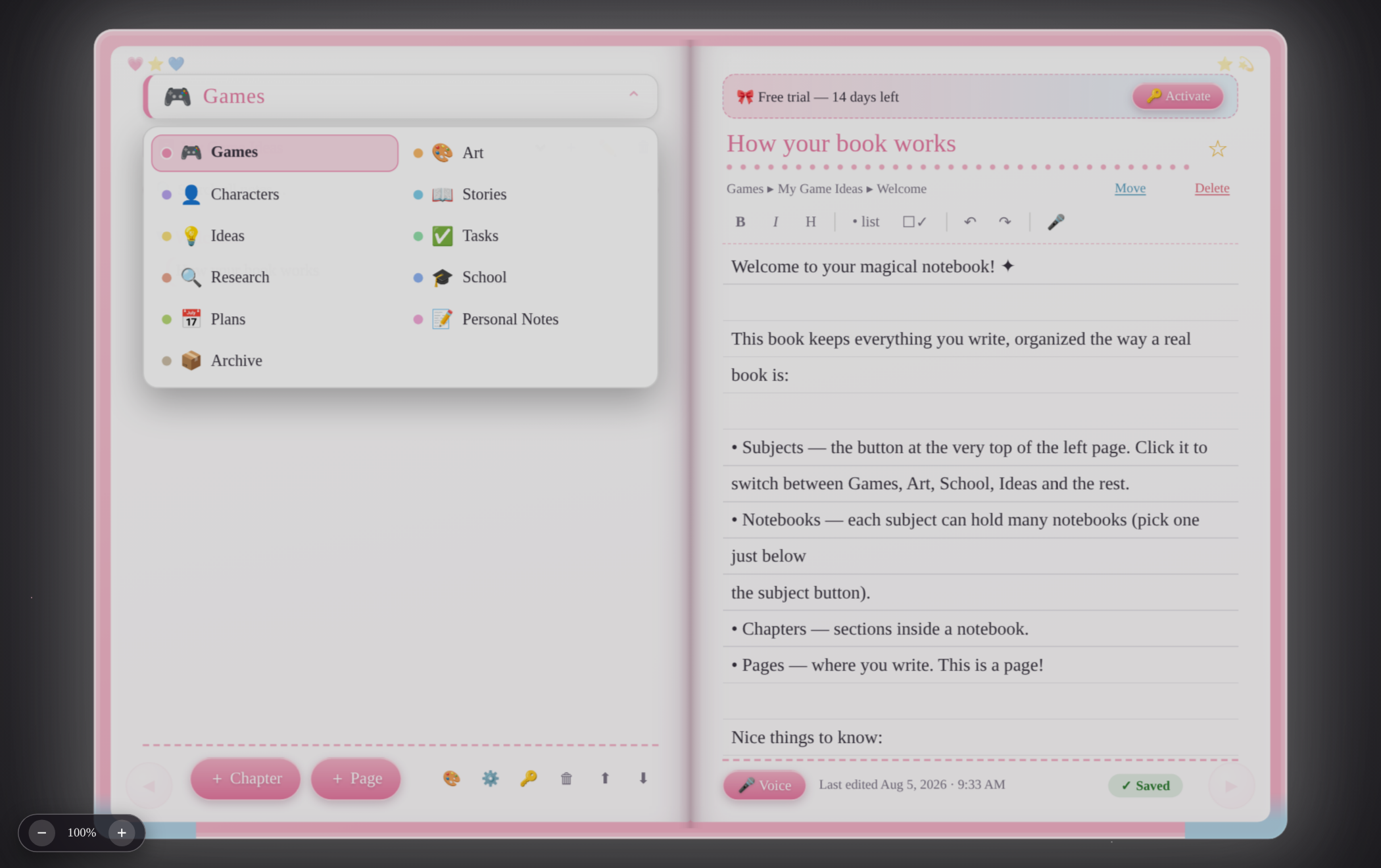
Games, Art, Characters, Stories, Ideas, Tasks, Research, School, Plans, Personal and Archive β€” all behind one button at the top of the page, so nothing crowds your writing.

πŸ“š

Chapters & pages

Every category holds notebooks, chapters and pages β€” like a bookshelf that never gets messy.

πŸ”

Search everything

One search box finds any note in any category, with highlighted results.

✏️

Friendly spellcheck

Misspelled words get a red underline plus "did you mean…" suggestions. Press Tab to fix. Teach it your own words.

🎀

Voice writing

Don't feel like typing? Talk, and your words appear on the page — where your PC supports in-app speech. If it doesn't, InkyPages shows you Windows' own Win + H dictation instead.

πŸ’Ύ

Autosave + crash recovery

Saves itself a second after you stop typing, keeps automatic backups, and recovers unfinished writing after a crash.

🎨

Make it yours

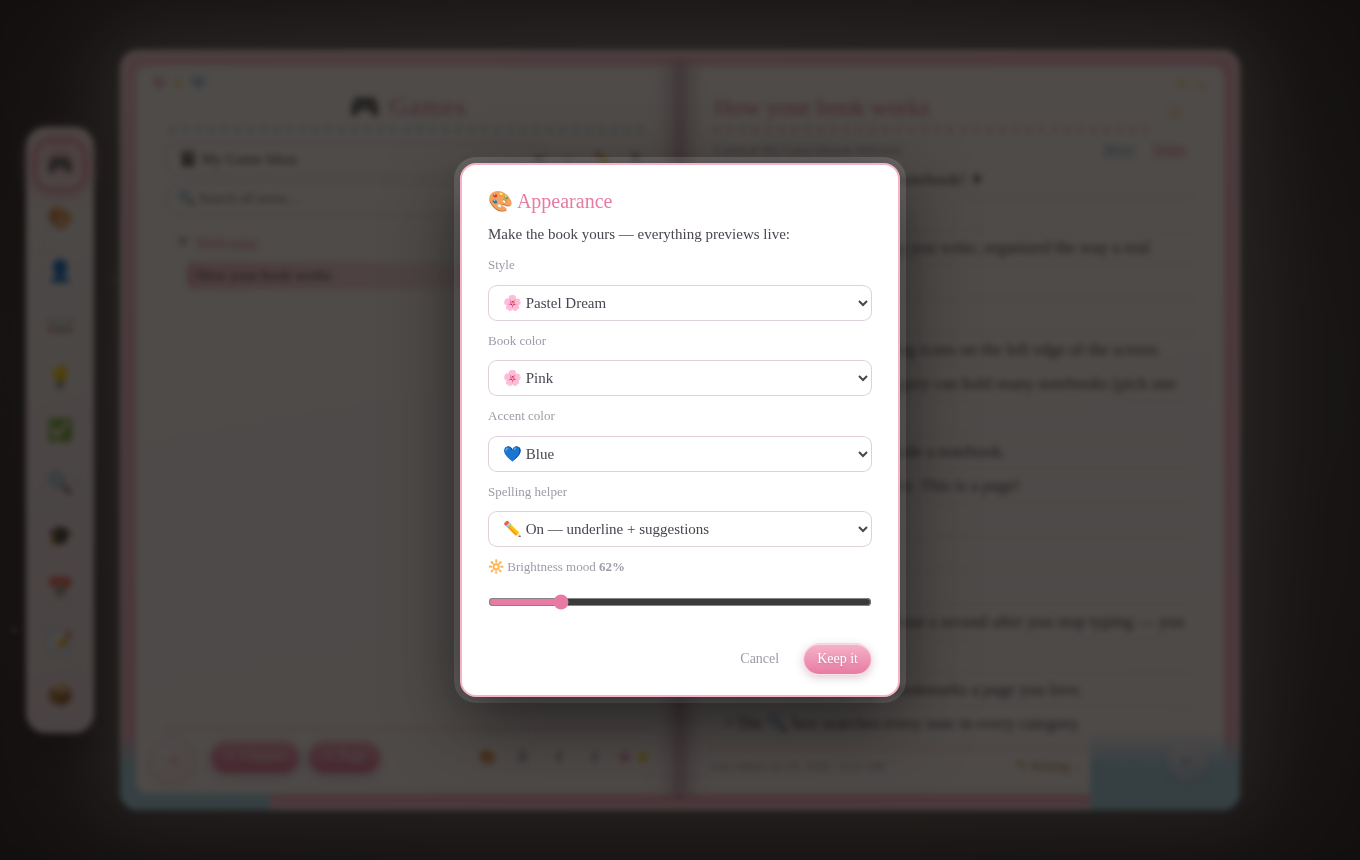
Pastel color mixing, brightness mood, zoom, writing sizes, and themes β€” pink, blue, lavender, mint, peach, lemon.

πŸ”’

Private & offline

Works fully offline. Notes are stored only on your PC. No account. No cloud. No subscription. Export your whole book anytime.

See it for yourself

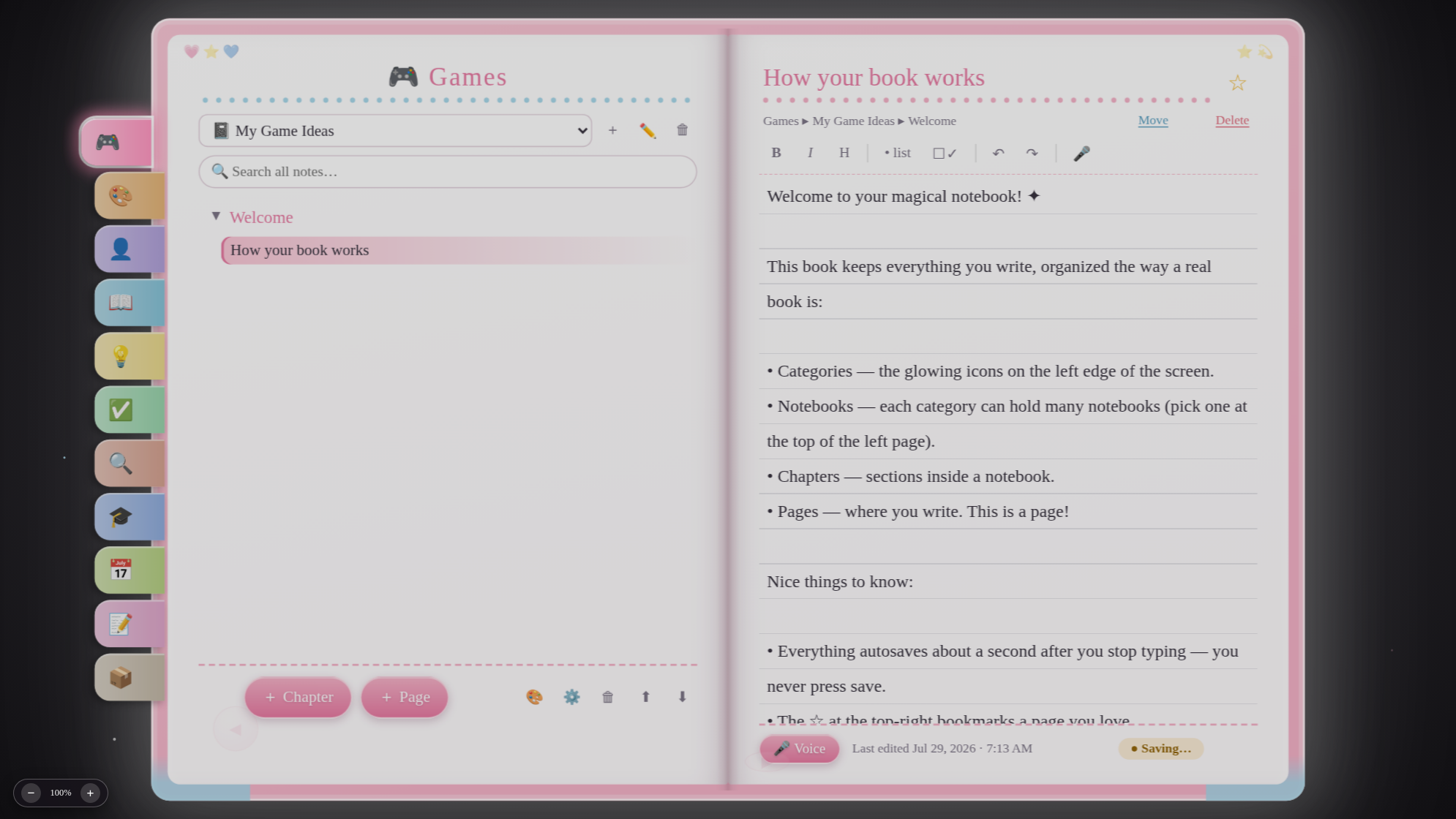
Real screenshots from InkyPages v0.10.4.

InkyPages open book
The open book β€” your chapters and pages
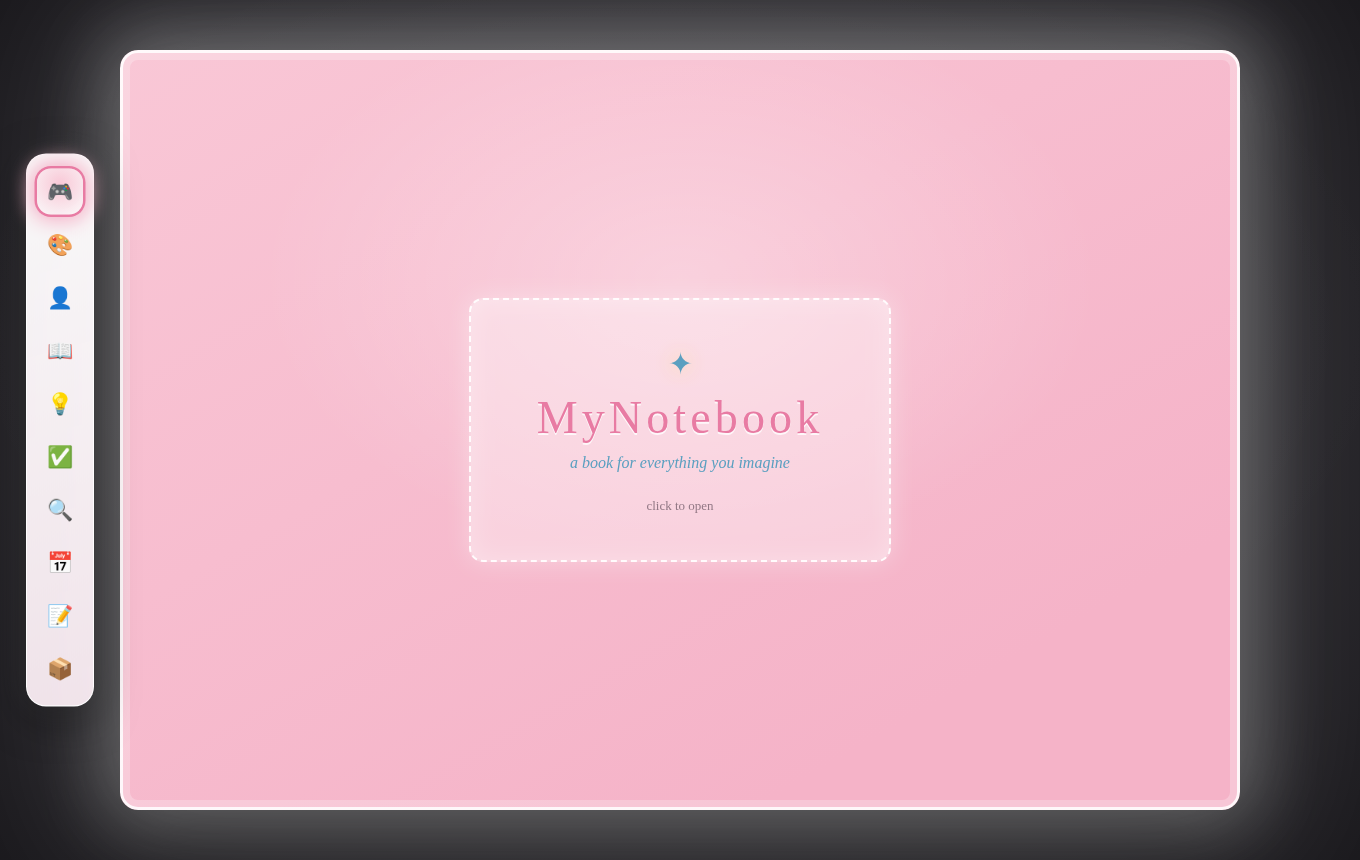
InkyPages closed cover
The cover β€” click to open your book
Color customization
Mix your own colors + brightness mood
The subject picker open
One button, every subject β€” pick and it closes

System requirements

If your PC runs Windows 10 or 11, you're ready.

  • Windows 10 or Windows 11 (64-bit)
  • Uses Windows' built-in WebView2 engine (already on almost every PC)
  • About 10 MB of disk space β€” yes, really
  • No internet needed after activation
  • Microphone optional, for voice writing

Get your book

One-time purchase Β· yours forever Β· free updates

πŸŽ€ Buy InkyPages β€” $4.99

Secure checkout by Lemon Squeezy Β· Cards + PayPal Β· Instant download + license key by email
Free 14-day trial before you buy β€” all sales final (refund policy) Β· One license = one Windows PC (movable anytime)

Questions, answered

The things everyone asks first.

Where are my notes stored?

Only on your own computer, in a simple folder next to the app. Nothing is uploaded anywhere. You can export your whole book to one file and back it up wherever you like.

Do I need an account or subscription?

No account, no subscription. You buy it once, you get a license key by email, and it's yours.

How does the license work?

Your key activates InkyPages on one Windows PC. Got a new computer? Use "Deactivate this PC" in the app (or contact support) and activate on the new one. A quick internet connection is needed only for that one activation step β€” after that the app works fully offline.

What happens to my notes if my license has a problem?

Nothing bad β€” ever. Your notes always stay readable, searchable, editable and exportable on your PC. A license issue only limits creating brand-new pages, chapters and notebooks, and importing a different book, until it's sorted out. Your writing is never held hostage.

Can I get a refund?

InkyPages includes a free 14-day trial. Because customers can evaluate the software before purchasing, all sales are final for change-of-mind, accidental-use, or no-longer-needed requests. Exceptions apply to duplicate charges, unauthorized transactions, failure to receive the product, serious reproducible technical defects we cannot resolve, and refunds required by applicable law. A refunded license is revoked β€” but your notes always stay fully readable, editable, saveable and exportable. Full text: refund policy.

My PC broke / I reinstalled Windows. Am I locked out?

No. Contact support with your order email or license key and we'll free your license so you can activate again.

Does voice writing send my voice to the internet?

Your notes are never uploaded — they only ever live on your PC. Speech is different: in-app voice writing uses your browser engine's speech recognition, which on Windows sends the audio you speak to a speech service to turn it into text. If you'd rather nothing left your PC, use Windows' own Win + H dictation (which follows your Windows privacy settings) and simply don't press the 🎤 button.

Need help?

Questions, lost license keys, activation help β€” we answer everything.

πŸ’Œ Email support

Or email us directly at
animevoice313310@gmail.com

Include your order email or license key so we can find your purchase quickly.